01
OPEN CARDS
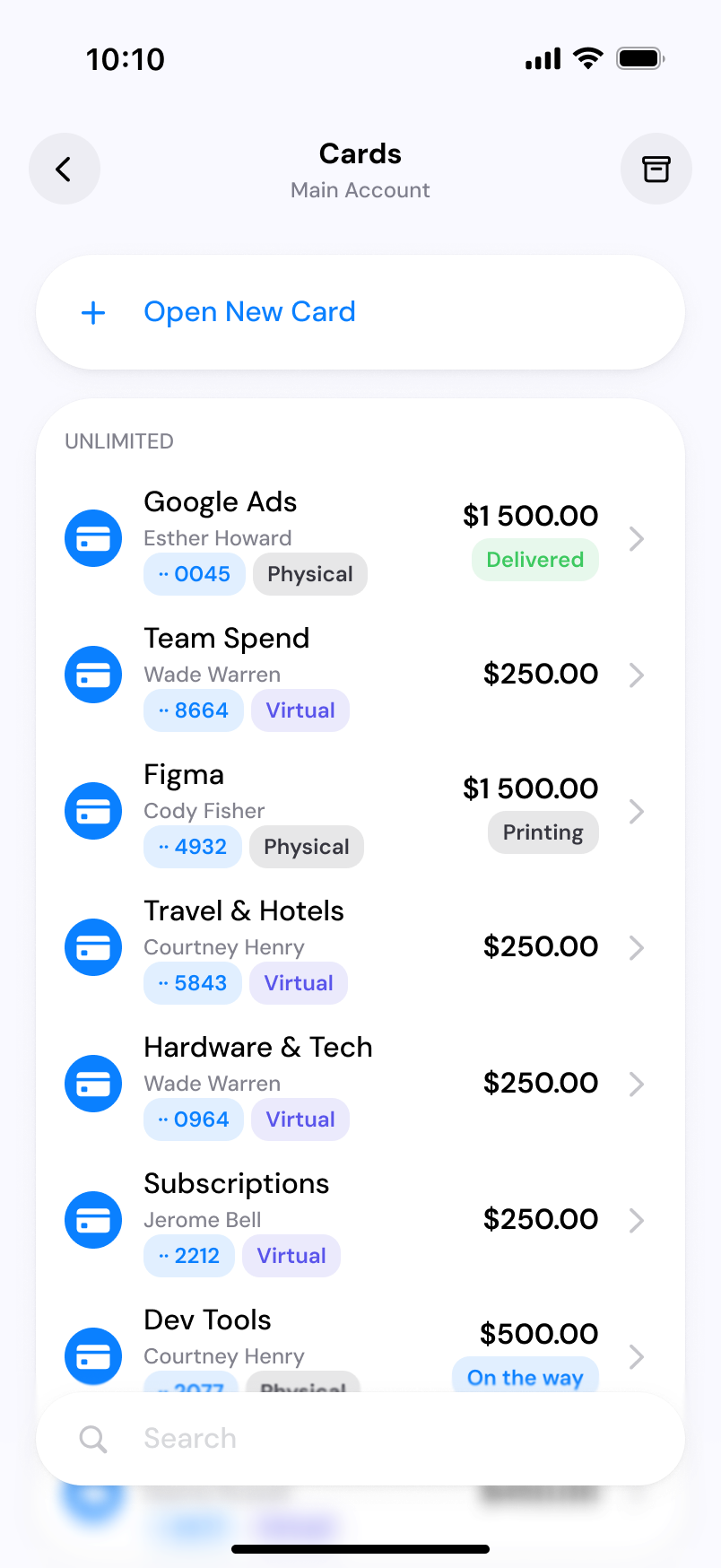
Open the Spendbase app, sign in, and go to Cards.
PHYSICAL CARDS / ACTIVATION GUIDE
Your card is ready to go. Activating it takes about a minute. You’ll verify an initial PIN we text you, then set your own 4-digit PIN for shops and ATMs.
View activation stepsHave your physical card with you.
Use the phone number registered to your account. We send the verification PIN by SMS.
Use the Spendbase web app or the Spendbase mobile app (iOS or Android).
Select where you want to activate your card.
01
Open the Spendbase app, sign in, and go to Cards.
02
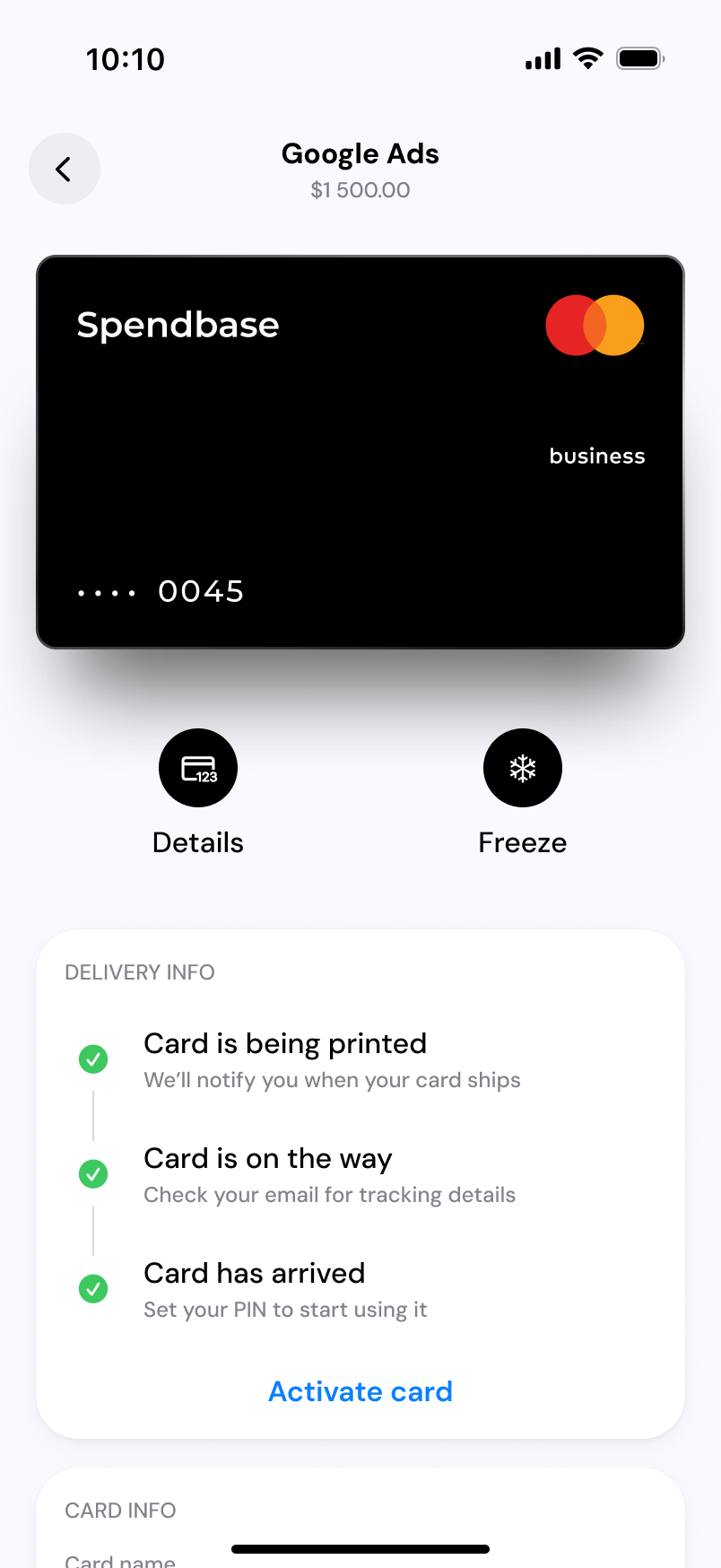
Select your physical card. Once it has arrived, tap Activate card to set your PIN.
03
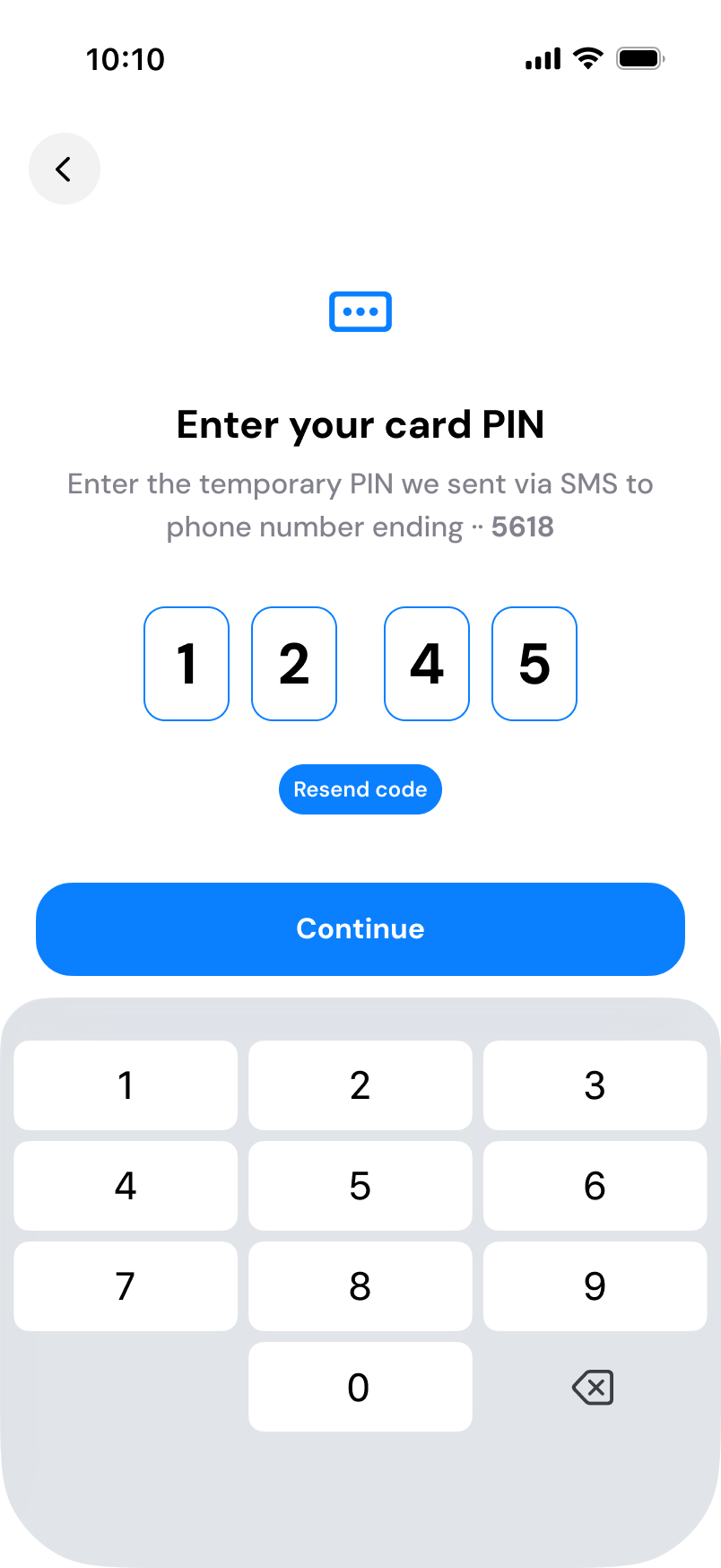
Type the one-time PIN we send by SMS to your registered number, then tap Continue.
Entered the wrong code? You’ll see “Incorrect PIN” — re-enter it or request a new one.
04
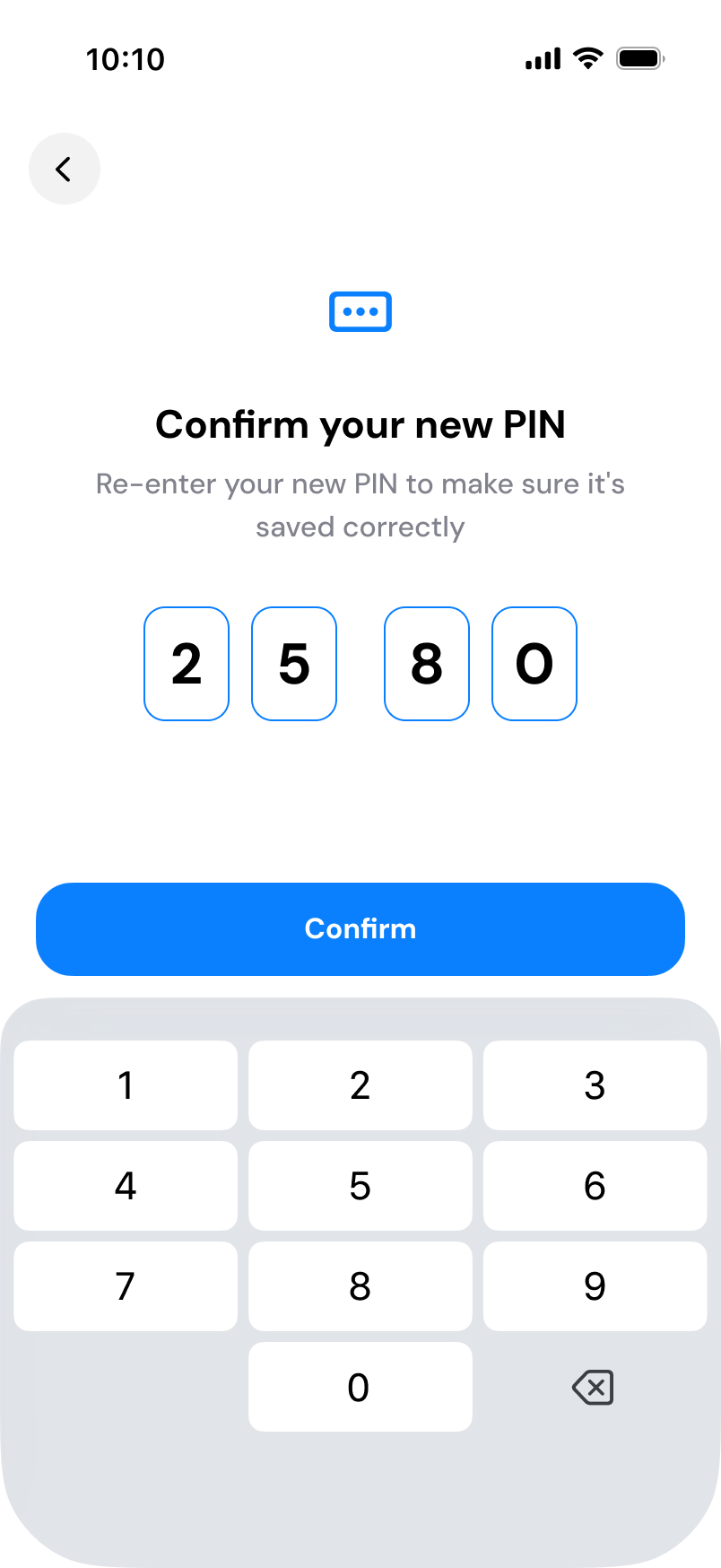
Choose a 4-digit PIN for in-store purchases and ATM withdrawals. Avoid easy combinations like 1234 or 0000. Tap Continue, then re-enter the same PIN and tap Confirm.
If the two entries don’t match, you’ll see “Incorrect PIN” — re-enter to confirm.
05
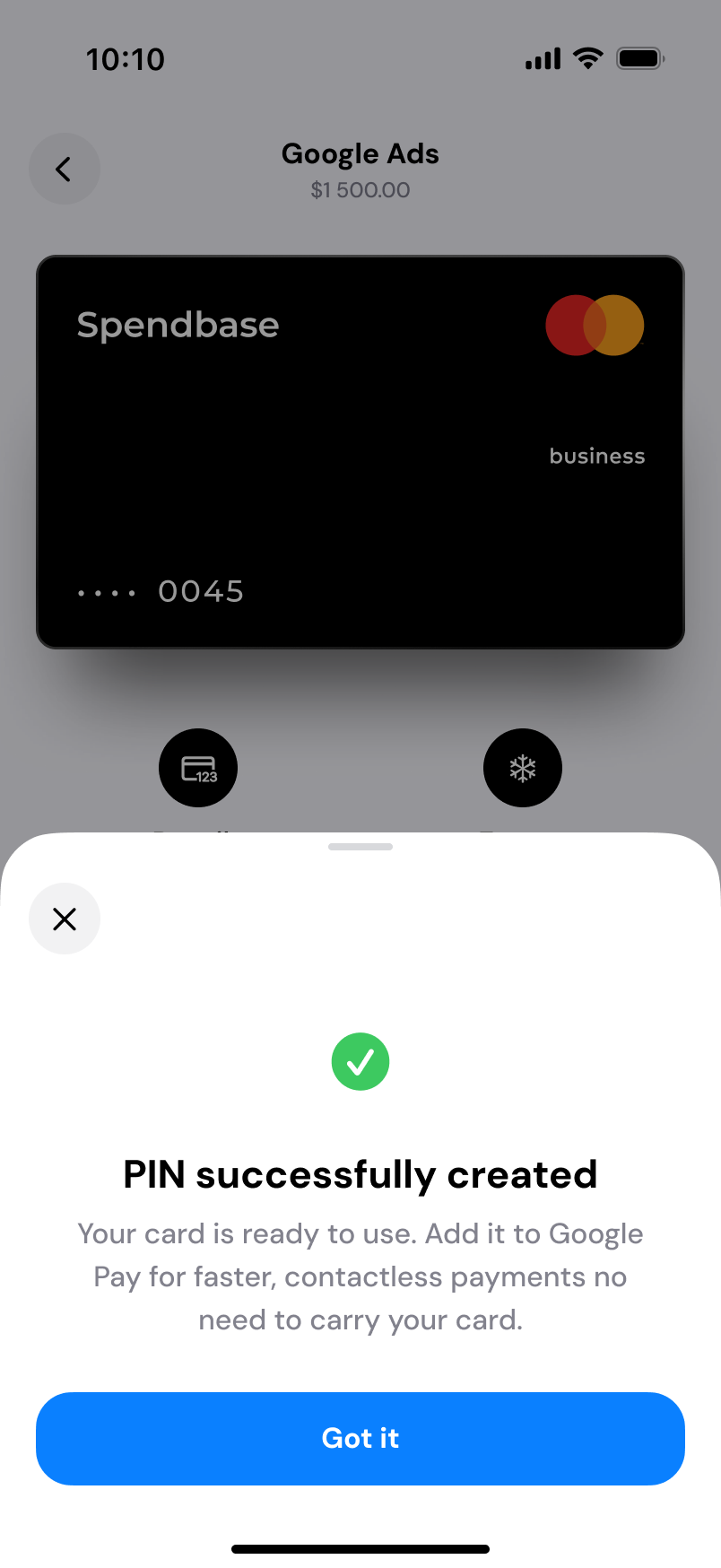
You’ll see “PIN successfully created.” Your card is now active.
01
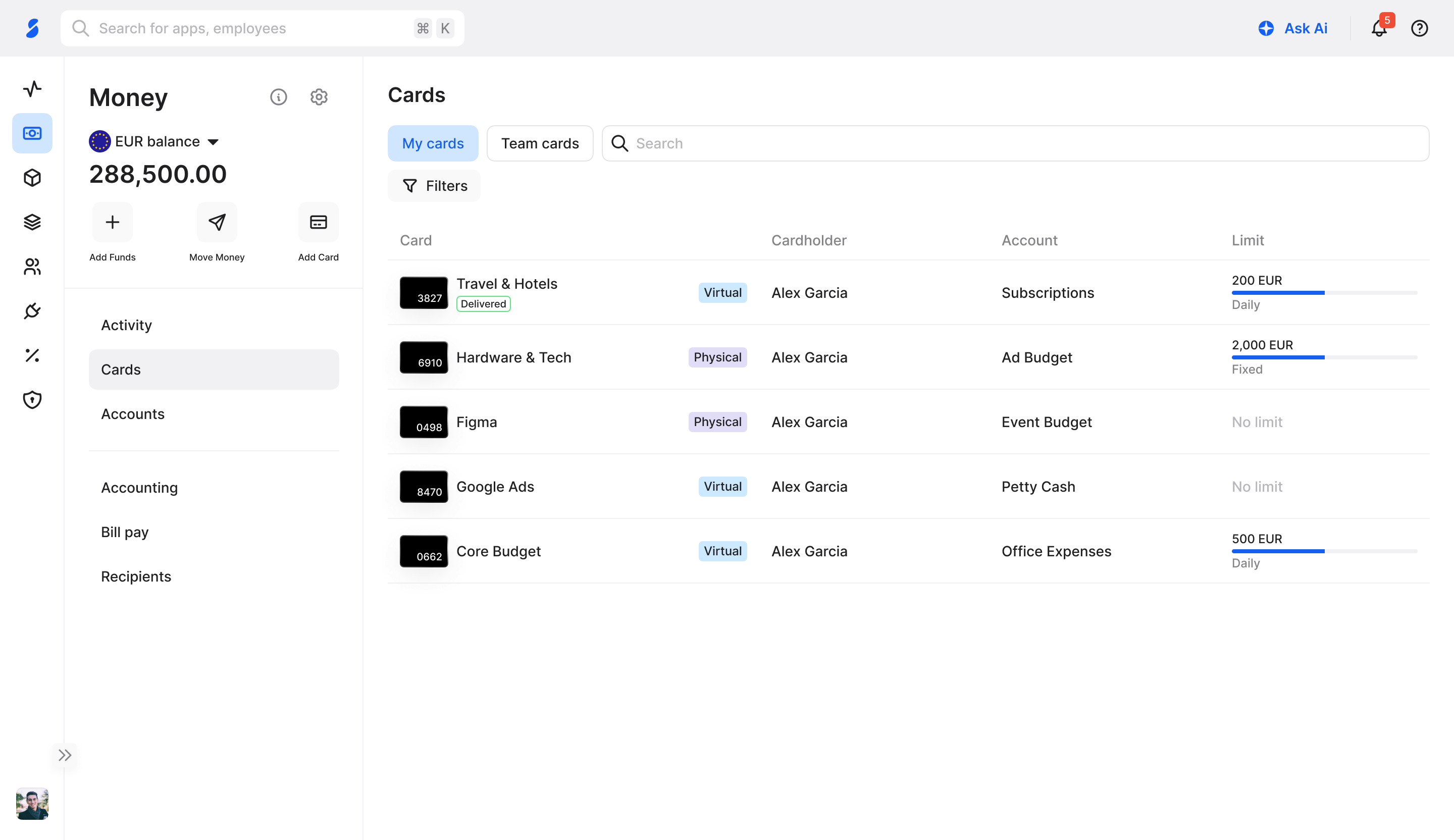
Sign in to the Spendbase web app and open Cards.
02
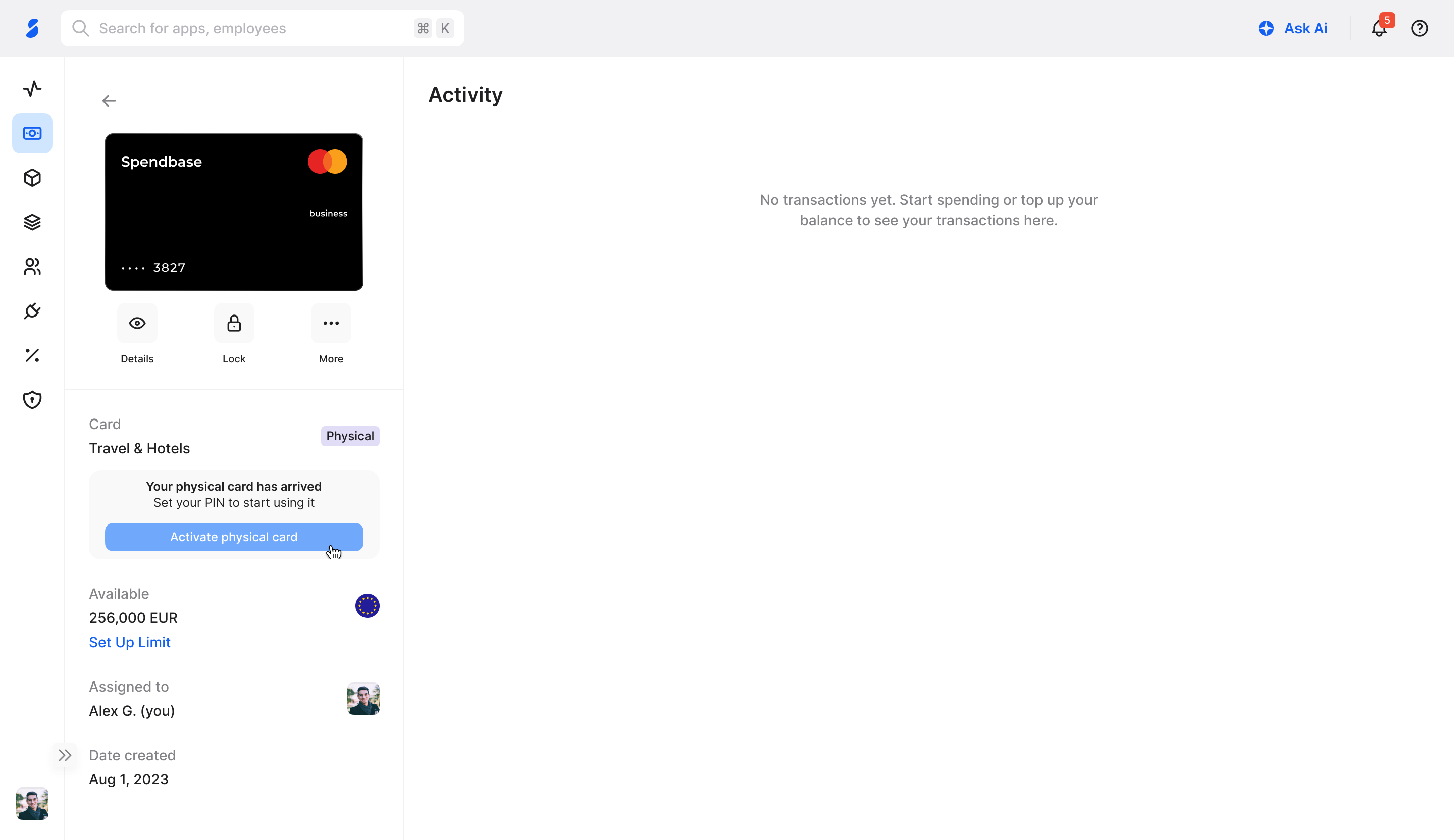
You’ll see “Your physical card has arrived — set your PIN to start using it.” Click Activate physical card.
03
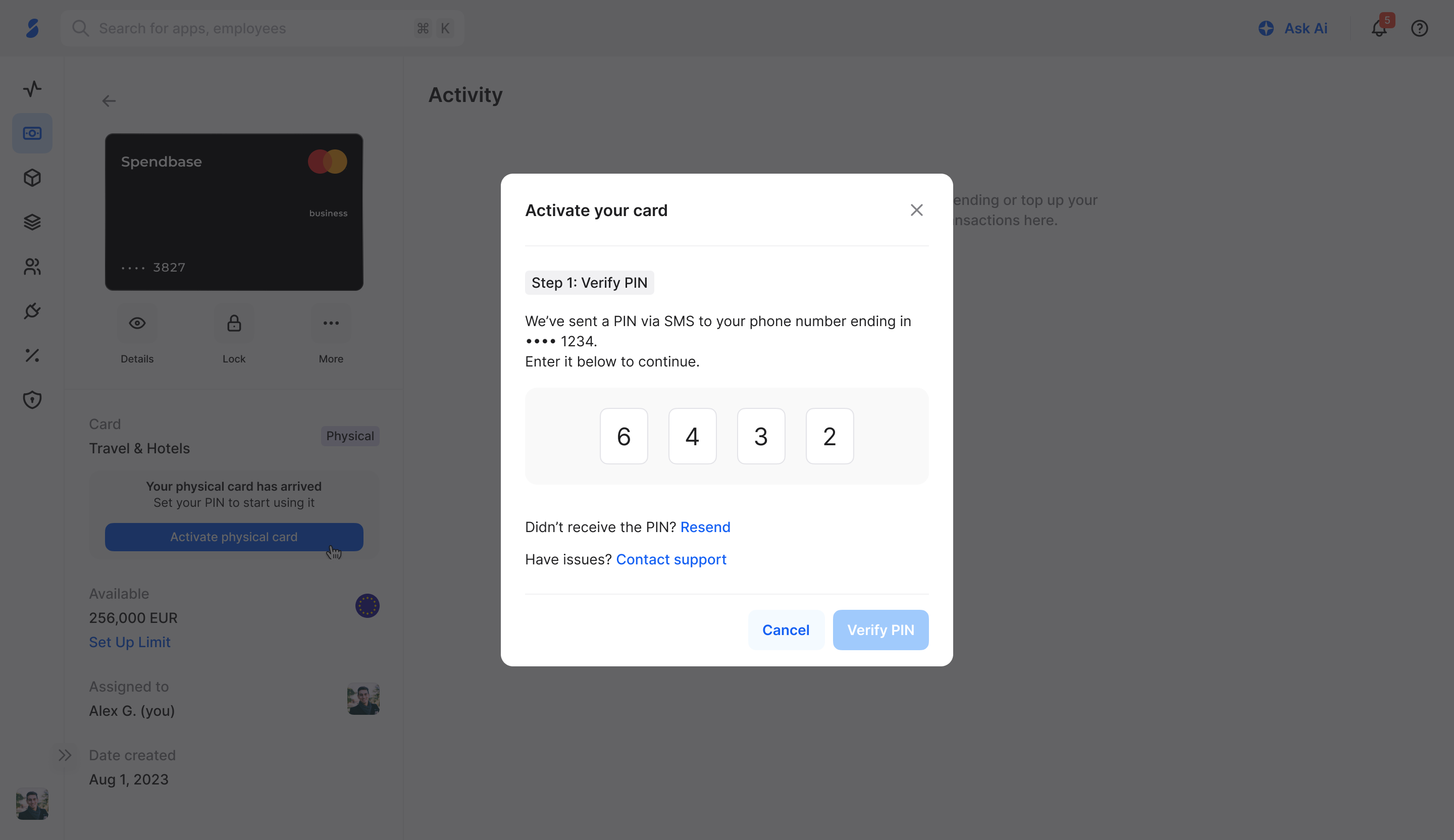
We send a one-time PIN by SMS to the phone number ending in your registered digits. Enter it and click Verify PIN.
Didn’t get it? Click Resend.
04
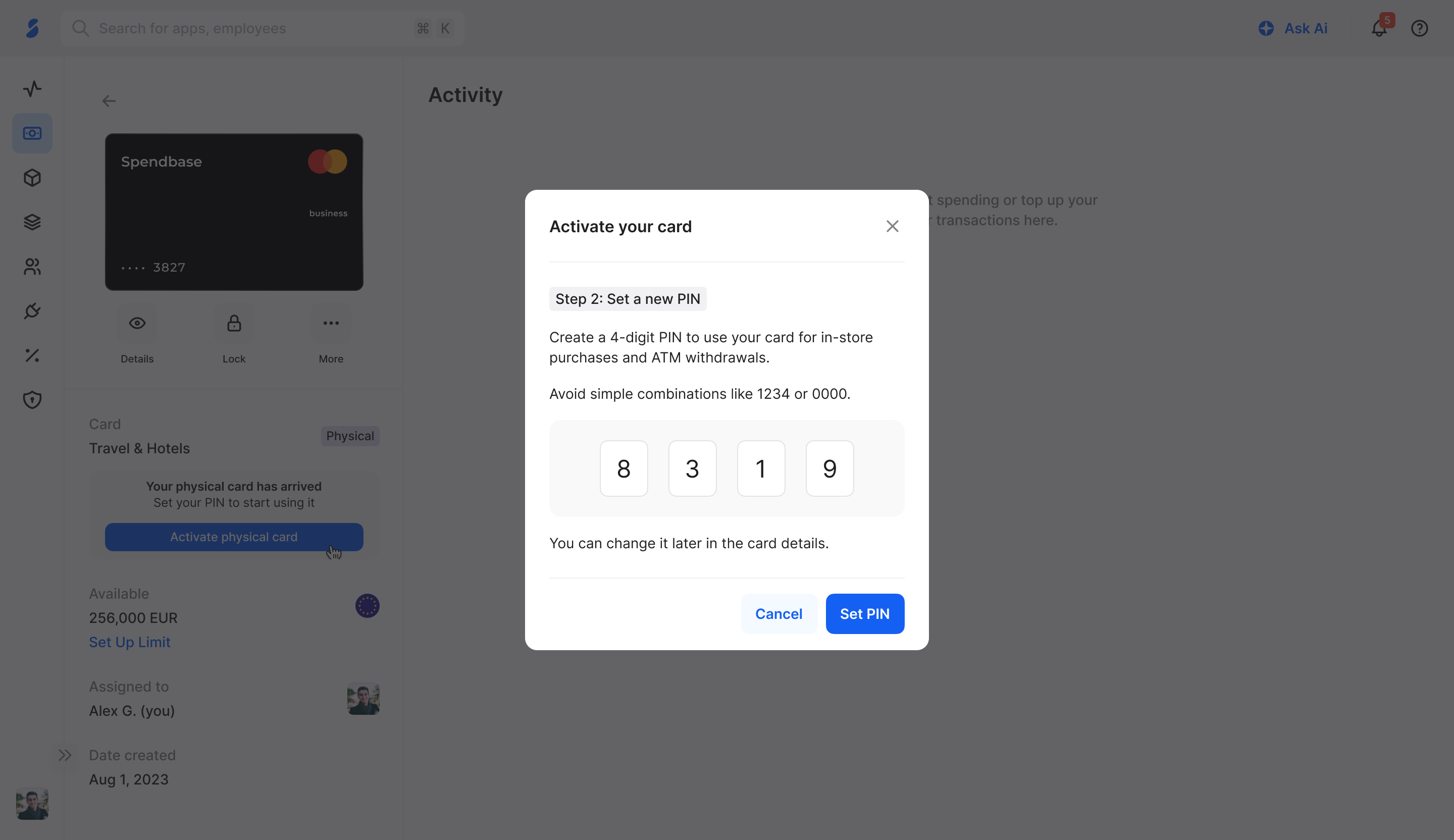
Create a 4-digit PIN for in-store purchases and ATM withdrawals. Avoid easy combinations like 1234 or 0000. Click Set PIN.
05
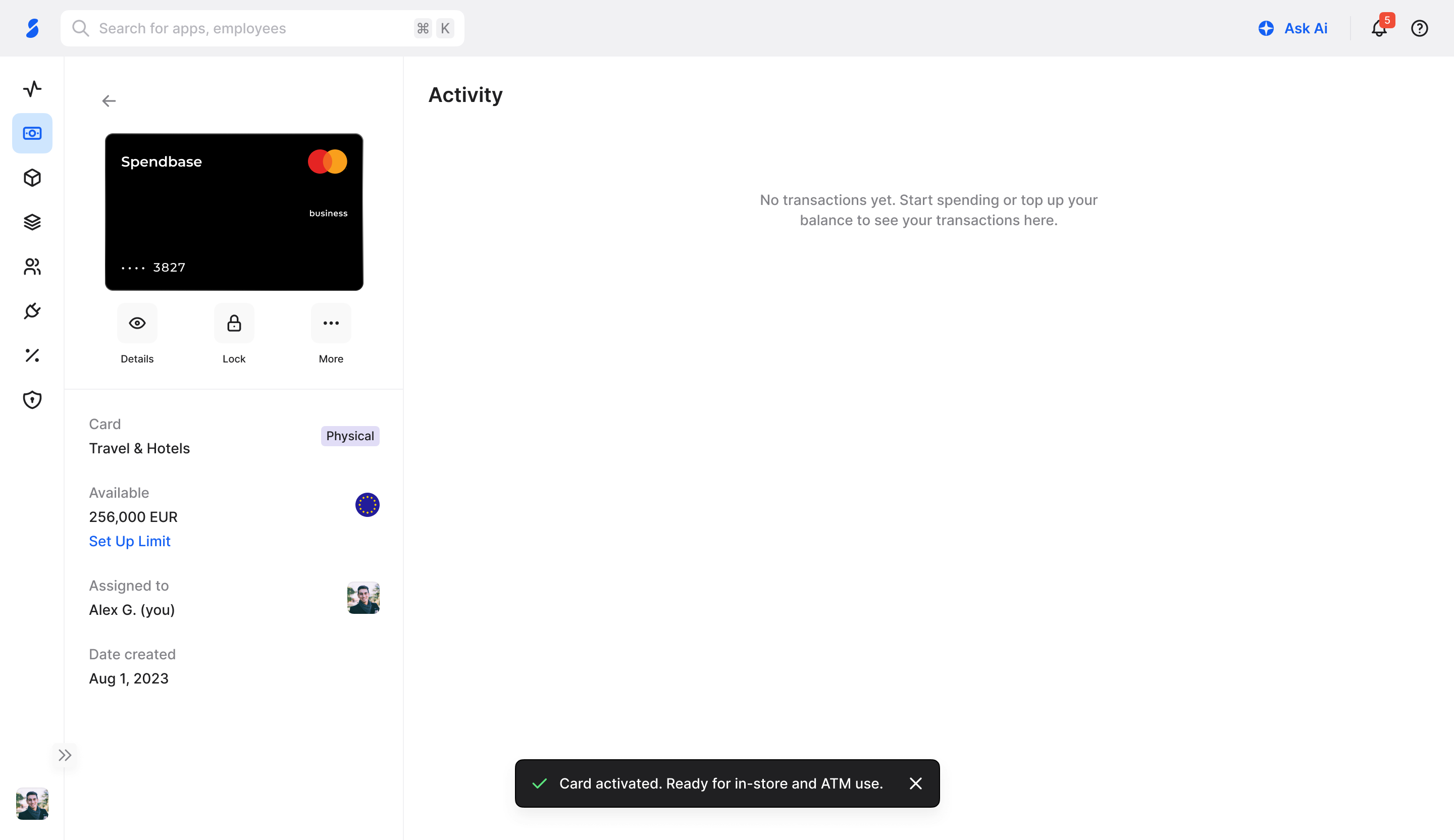
You’ll see “Card activated. Ready for in-store and ATM use.”
You can change this PIN later anytime in Card details.
Your PIN isn’t locked in. To change it any time after activation:
Find answers to frequently asked questions about your physical card.
Contact the Spendbase support team.