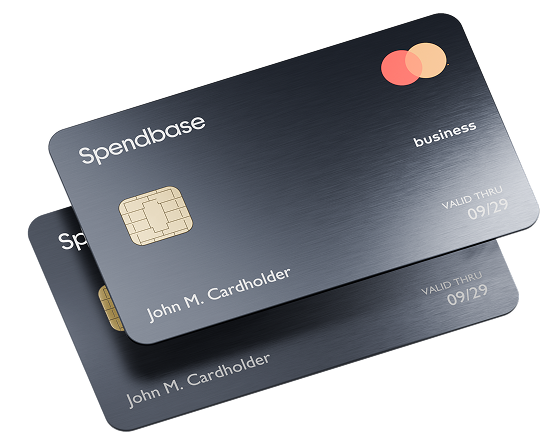
Pay in person,worldwide
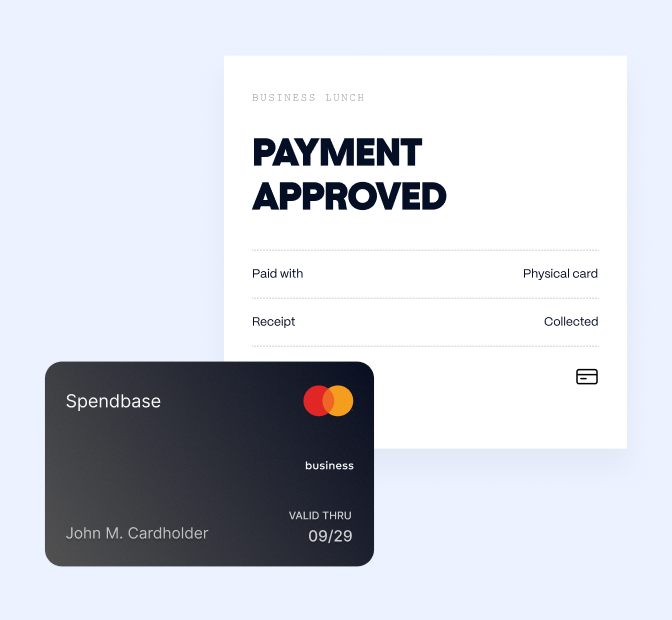
Accepted anywhere Mastercard is — shops, restaurants, hotels, transport, lounges.
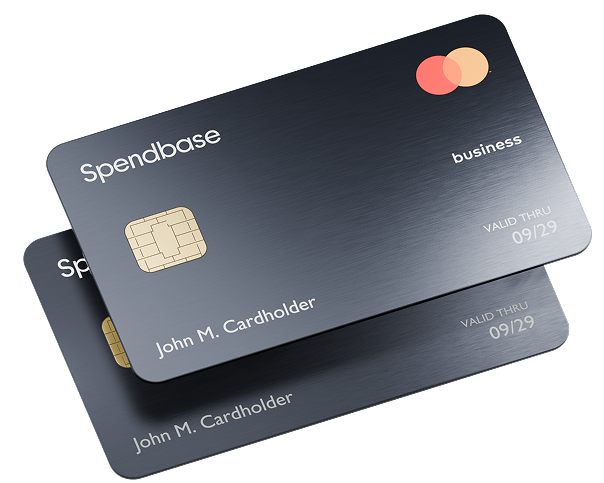
Get a physical card for business spend that doesn’t happen in the browser.
Accepted anywhere Mastercard is — shops, restaurants, hotels, transport, lounges.
Each card carries the employee’s name, so every transaction has an owner from the start.
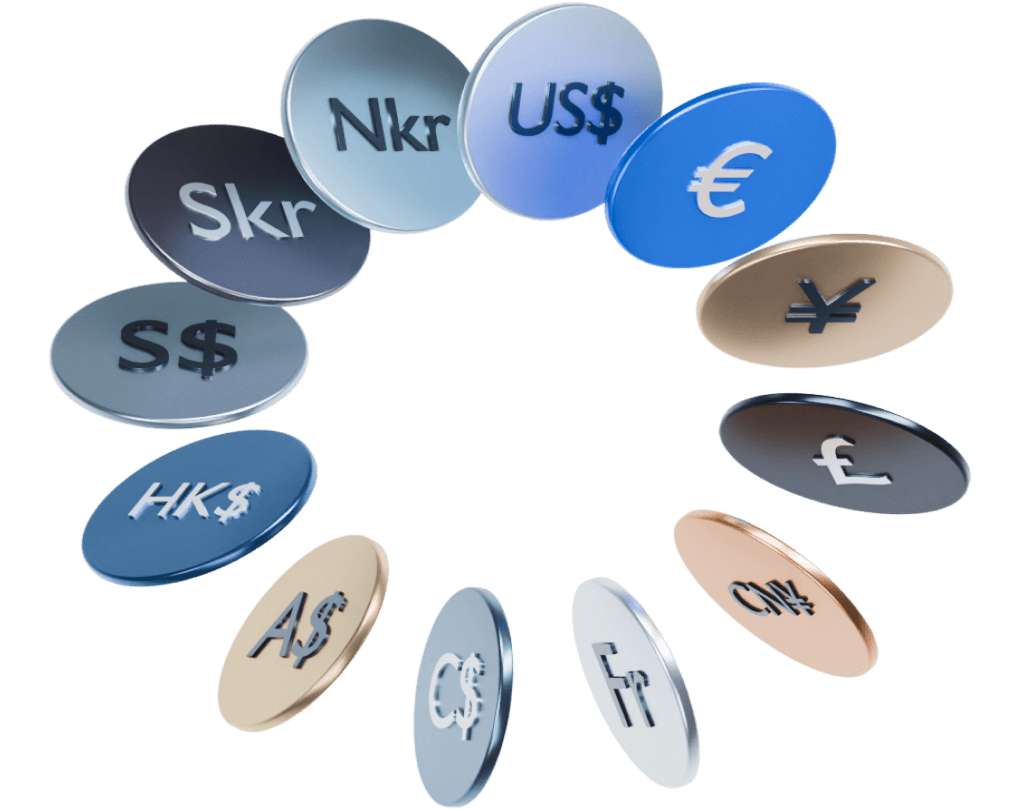
Open accounts in 12 currencies1, issue virtual and physical cards in 4, and instantly exchange your money.
Virtual cards handle subscriptions, ads and vendors. Everything else your team spends on still ends up on someone’s personal card and in an expense report three weeks later.
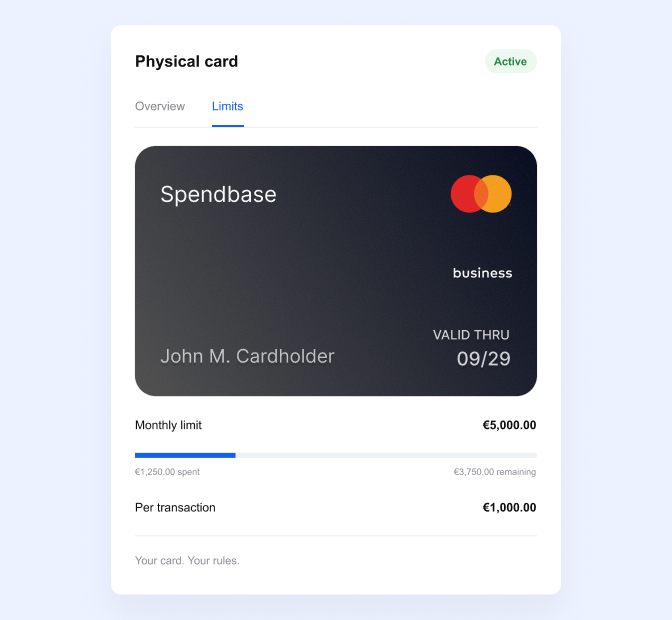
Physical cards live in the same place as your virtual ones and follow the same rules.
Opening an account and issuing cards for your employees is free, and zero monthly fee is required to use them.1
$0
Open accounts in USD, EUR, GBP, PLN, CAD, RON, CZK, DKK, HUF, NOK, SEK and CHF.
Cards are issued in EUR, GBP, USD and PLN. Which ones you can issue depends on your country of registration.
Move money between your own accounts immediately.
Pick the employee, the currency, and the delivery address.
Cards are printed and sent from the UK by DHL, so they reach most destinations in three days to a week. Delivery is free.
Activate from the app, set your PIN and spending limits. Transactions appear in your ledger from the first tap.
New to Spendbase? Sign up, pass KYB (most companies clear it in under 48 hours) and order cards straight after.3
Nothing to issue. Your account includes the amount of cards that equals to the number of employees in your company with no monthly or per-user fee.2 Anything outside of that would need to be subject of a change request.
Normally, if all the docs you’ve uploaded during onboarding meet the requirements, you can get approved in as little as 3–5 hours. In case something needs to be updated, the process may take up to 48 hours.3
EUR, GBP, USD and PLN. The options available to you depend on the country your company is registered in. Accounts themselves can be opened in 12 currencies.2
Yes, you can withdraw up to 400 EUR/USD/GBP or 1700 PLN per month for free. Above this amount, each cash withdrawal carries a 2% fee. The ATM operator may charge its own fee.1
You set them: each card can have its own per-transaction, daily, weekly and monthly limit, and you can change them at any time.
Freeze it instantly from the app, then order a replacement. You can also reach us free of charge in the in-app chat, at any time.
You can set a custom expiration date for each card you order.